The dashboard
Artist controls
Six pages, on a server you own, behind a login only you hold. This is the whole of what running a Station actually looks like day to day.
Getting around
An icon rail and one decision
Navigation is the icon rail down the left — Dashboard, Catalog, New Release, Storefront, Fan Club, Treasury, Settings, with a light and dark toggle at the bottom. Hover any icon for its label.
The Dashboard itself is the home screen: album and track counts, wallet status, and once you have taken any money, a revenue overview and a chronological transaction log with every sale, mint, rental and withdrawal linked to a block explorer.
The first time you open a new server it asks you to choose your chain — the network your Fan Club, Storefront and Treasury contracts will deploy to. You can change it in Settings right up until your first contract is deployed, after which it is locked, because your contracts live there.
Streaming your music needs none of this. The chain only matters once you want to be paid.
Catalog
Who hears what, and when
Everything you have published, and the controls that decide who can reach it.
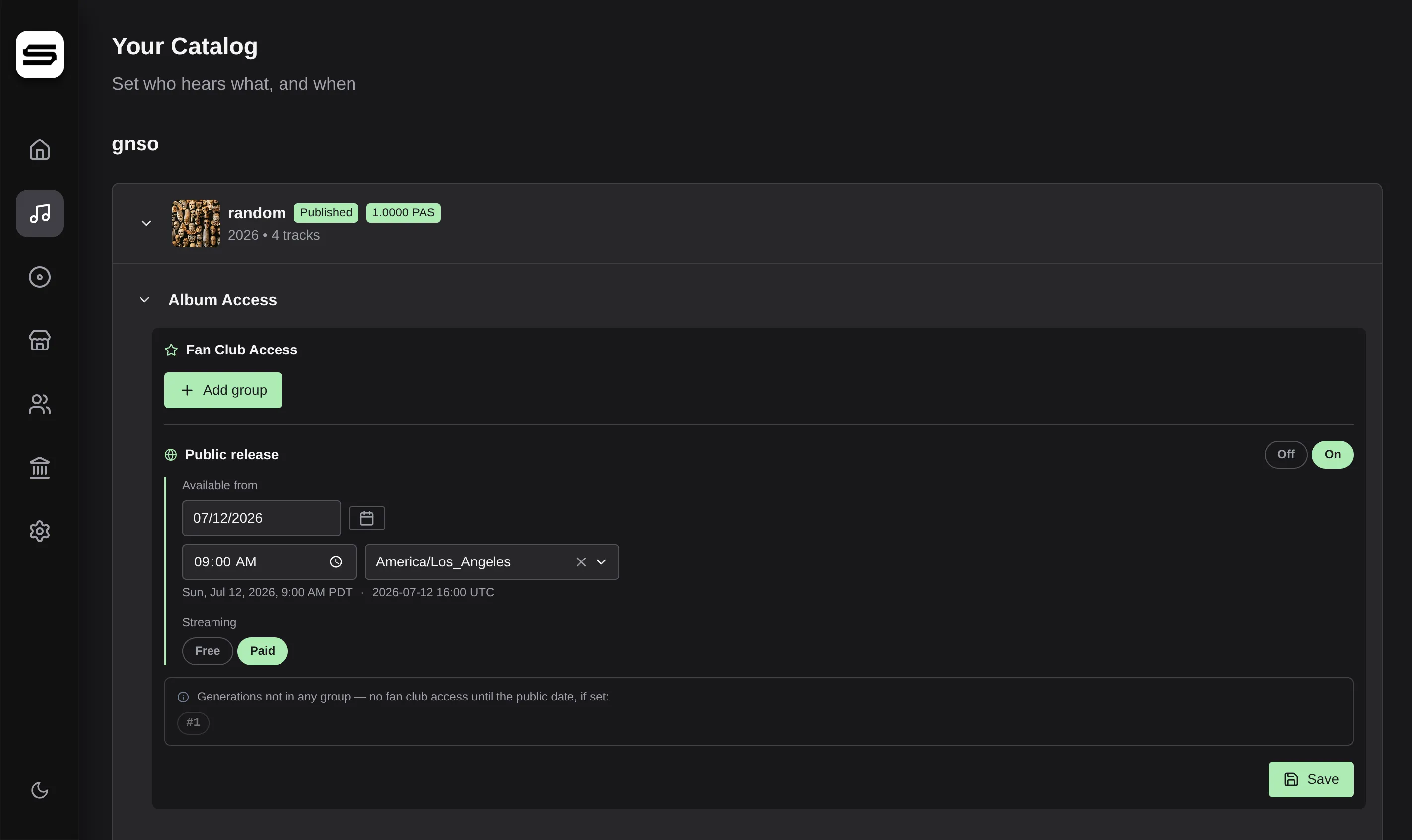
Each album carries its status on its sleeve: Published once it has access rules and is discoverable, Staged until then. A price badge appears if it is sold as an on-chain product, and an orange warning appears if it has no purchase path at all — priced neither per album nor by your universal track price.
Access is built from generation groups. Pick which Fan Club generations a group covers, the date access opens, and whether streaming is free or paid for them. Stack several groups to stagger a release: your earliest supporters stream free today, a later generation gets in next month, and public release is an optional final tier you can leave switched off entirely.
Any track can override its album. A per-track rule fully replaces the album settings for that track, which is how you put a single out early or keep a bonus cut fan-only.
New Release
Publishing, with the metadata that matters
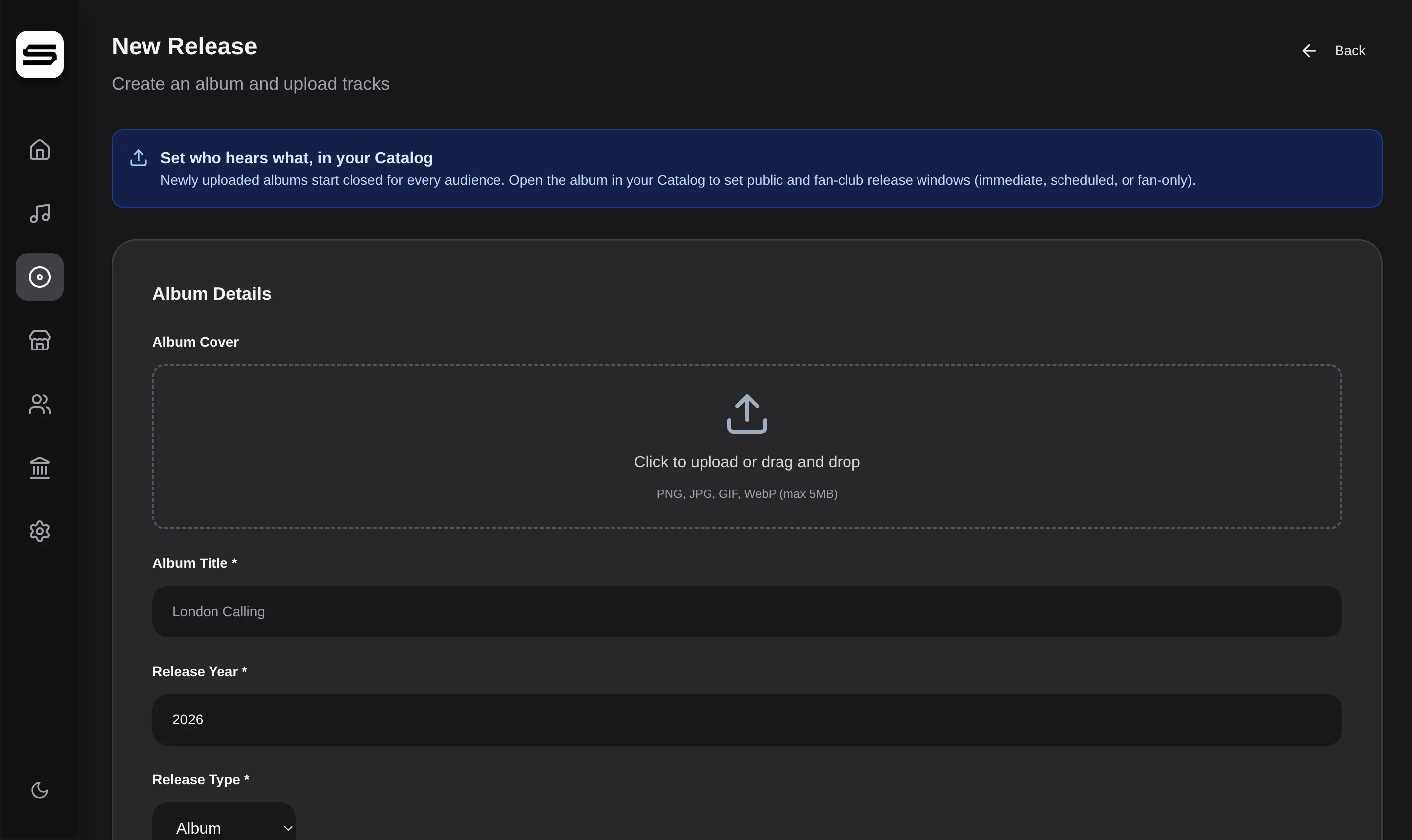
Create an album, fill in its details, upload the tracks.
MP3, FLAC or WAV up to 100 MB a file. Station reads each file's title, duration, sample rate and bit depth off the file itself and shows them on the track row. Drag to reorder, click a title to rename, add per-track artwork if a track deserves its own.
The metadata is the real kind, not a placeholder set: release type, primary and secondary genre, release and pre-order dates, label, sound-recording and publishing copyright lines, UPC and ISRC codes with validation, language, explicit advisories per album and per track, featured artists, and lyrics.
A new release starts closed to every audience. Nothing publishes by accident — you set access in the Catalog when you are ready.
Storefront
Selling, renting, and getting paid
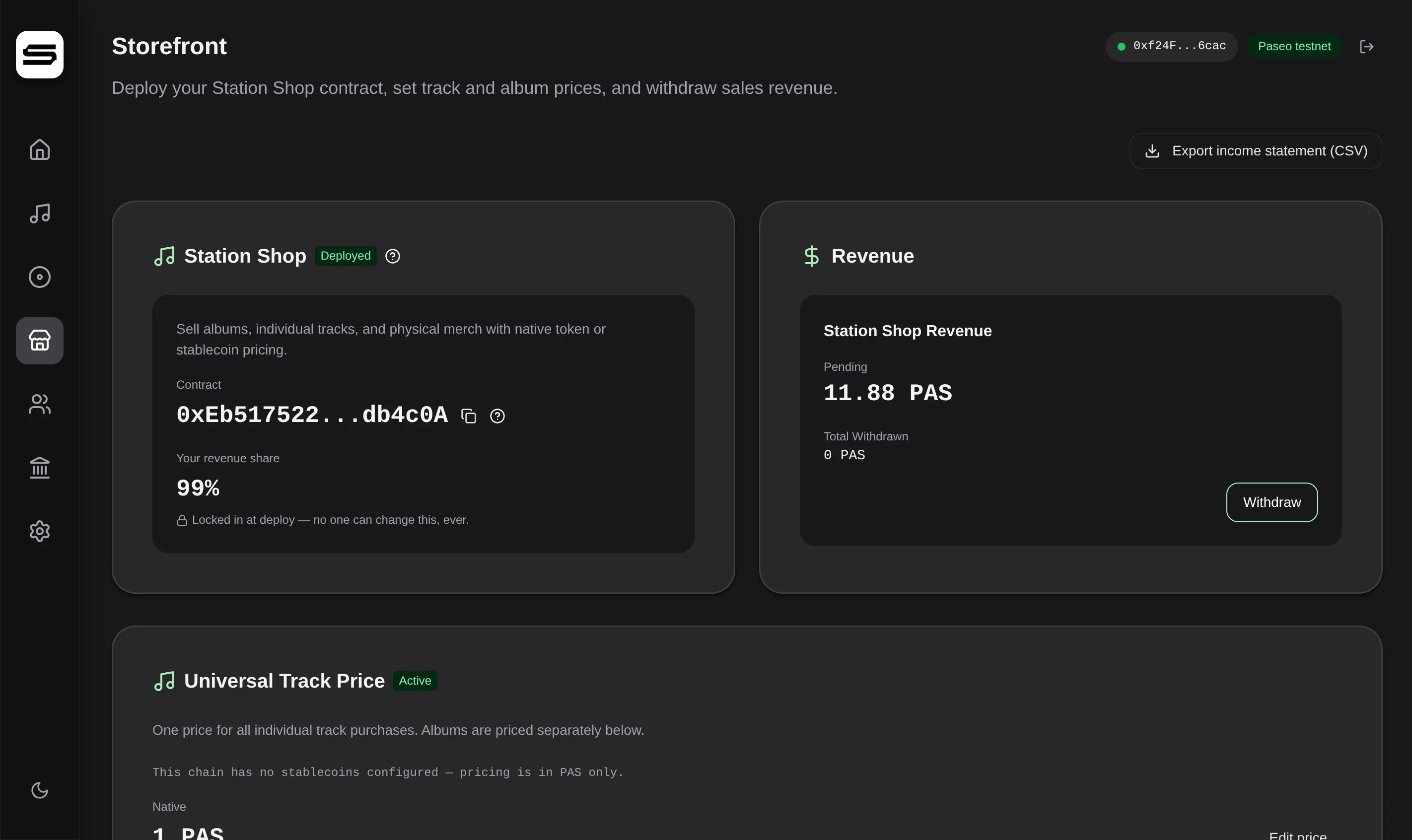
One on-chain shop contract, deployed once, that every purchase flows through.
Set a universal track price that applies to every single-track purchase, then price albums individually — each priced album becomes its own on-chain product you can edit, activate, or take off sale. Price in the chain's native token, and in a stablecoin on chains that support one.
Rentals sit between giving music away and gating it behind a purchase: one rental price and one duration, in hours or days, applied across your albums. Stream-only, and it closes on its own. Enable it or pause it whenever.
Earnings collect in your contract until you withdraw them, and you can export an income statement as CSV for your records. It is an income statement, not a tax document.
Fan Club
Generations, and the people in them
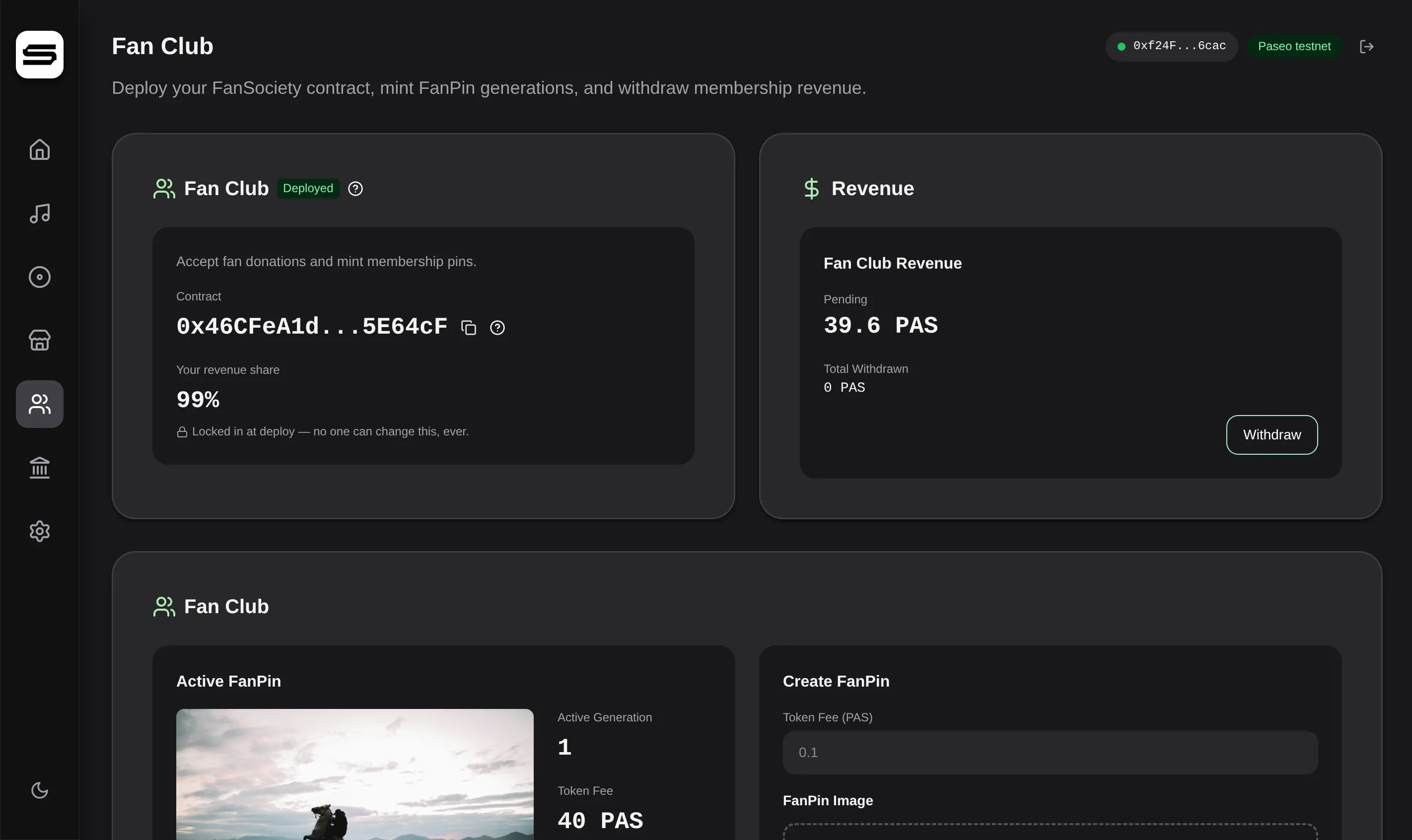
Your Fan Club runs on the FanSociety protocol and integrates with your Catalog natively.
Create a generation with a token fee, artwork, and whatever description you want. It becomes the active generation — the one new fans mint — and stays open until you create the next one, at which point that cohort is sealed permanently.
FanPin History lists every generation newest first, each with its artwork, fee, description and mint count. Open one and you get the supporter list: who minted it, what they paid, when, and a link to the transaction on a block explorer.
What a FanPin unlocks is entirely your call — early release windows for one generation or several, bonus tracks only holders can stream, or nothing at all. The Catalog is where you decide.
Treasury
Optional, advanced money management
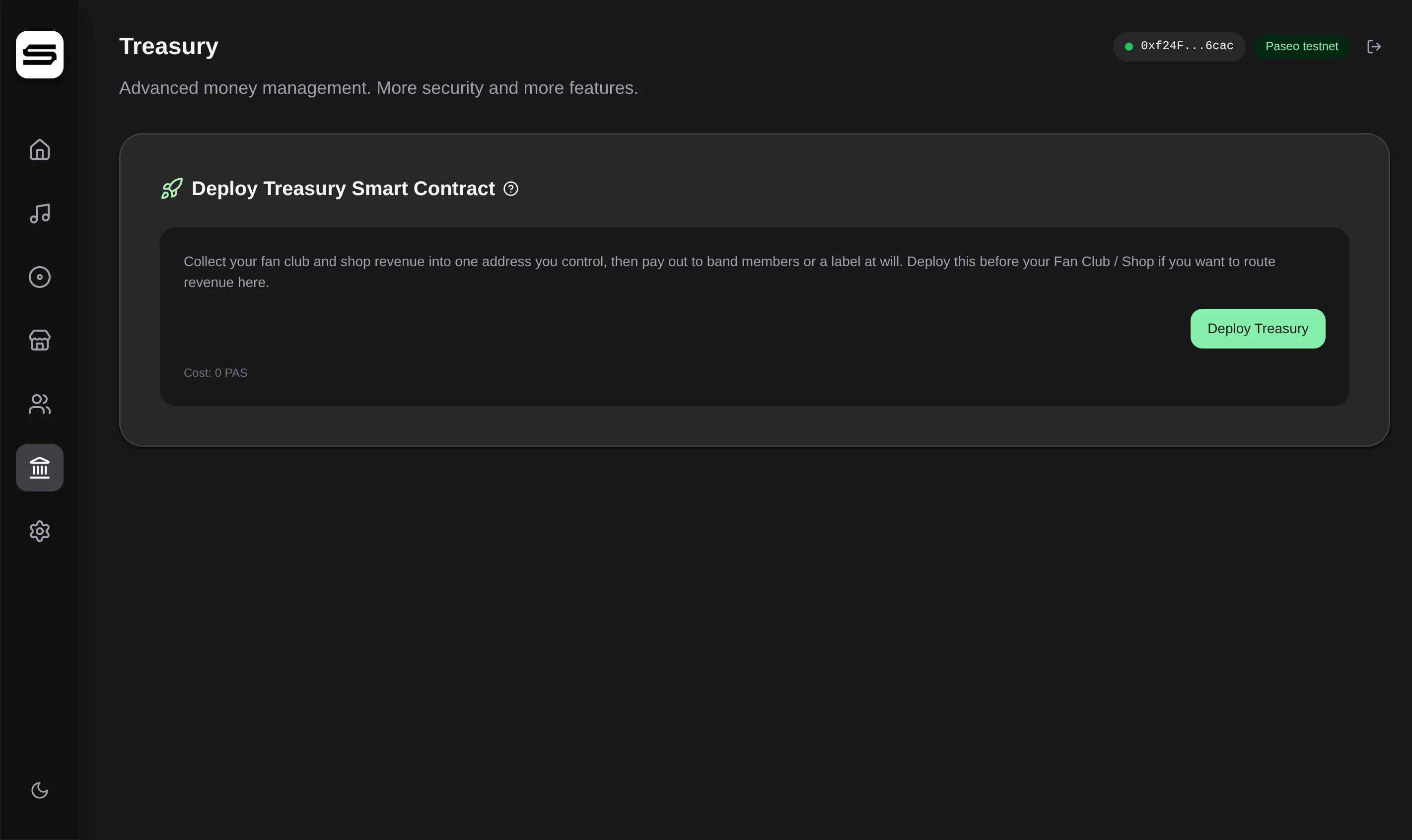
A single address you control that pools revenue from the Fan Club and the Storefront.
Without a treasury, revenue is paid straight to your wallet. Add one when you want a single pooled balance — to pay bandmates or a label out of one place, or to move to shared multi-signature control later.
Your connected wallet becomes the owner, and only the owner can withdraw. You can transfer ownership to a multisig later without changing the treasury address. It holds the native token and any accepted stablecoins, and withdrawing stablecoins sweeps every balance at once.
Settings
Your identity, and your node's vitals
The public half is your profile. The rest is the machine.
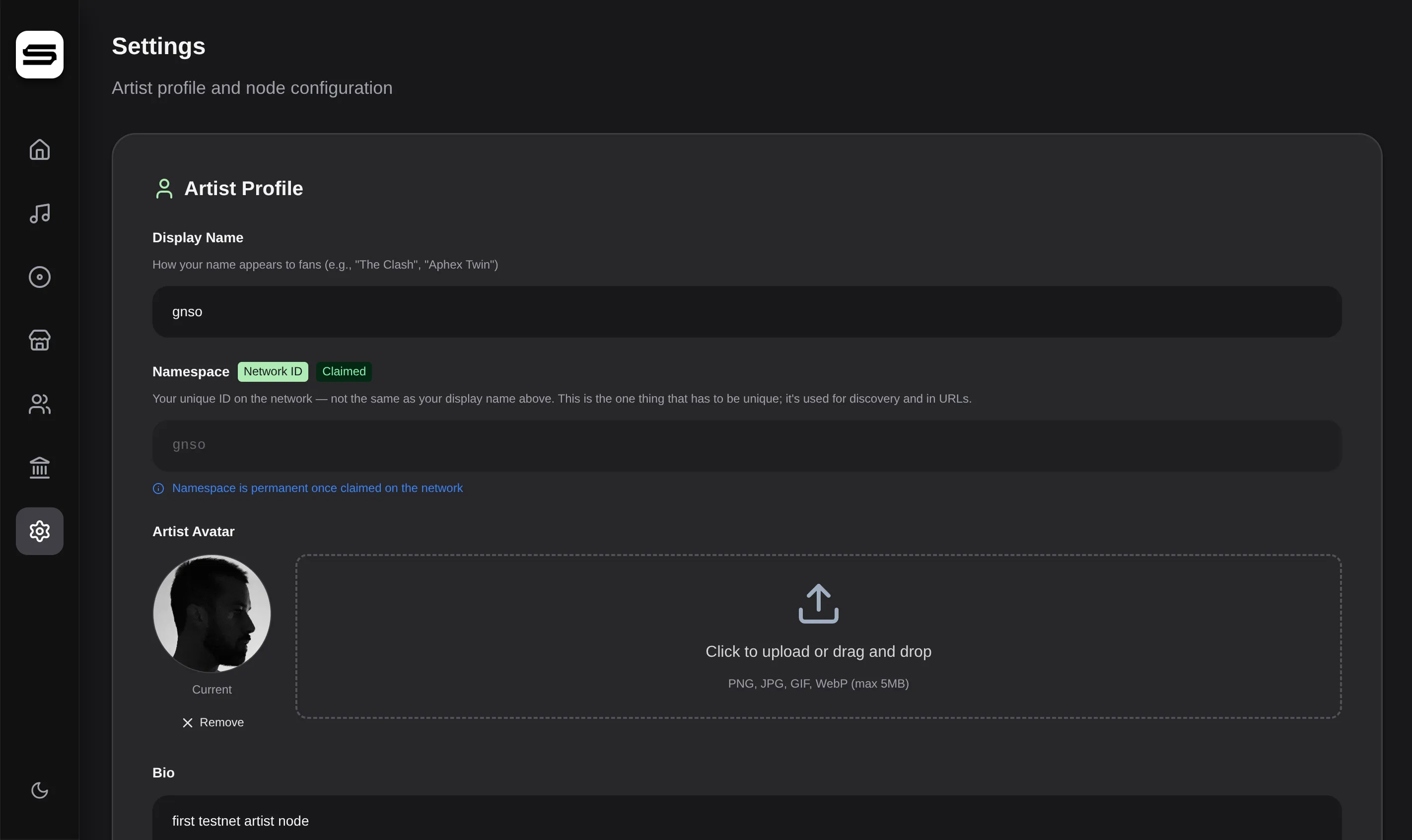
Display name, namespace, avatar, bio and social links make up what fans see. Your namespace is claimed on the network when you save it, and once confirmed it is permanent — your display name is separate and always stays yours.
Node Information is a live read-only view: network status, Peer ID, domain, connected peers, DHT status and routing table size. It is the fastest way to confirm your server is online and discoverable.
Below that sit the parts most dashboards hide. An ordered list of blockchain RPC endpoints you can reorder, test, disable, or extend with your own, applied live with no restart. Update preferences — automatic via Watchtower, notify only, or off — with the exact commands shown when a release is ready. And a cap on how many devices a single fan can be signed in on at once.